

Miget Buildpacks
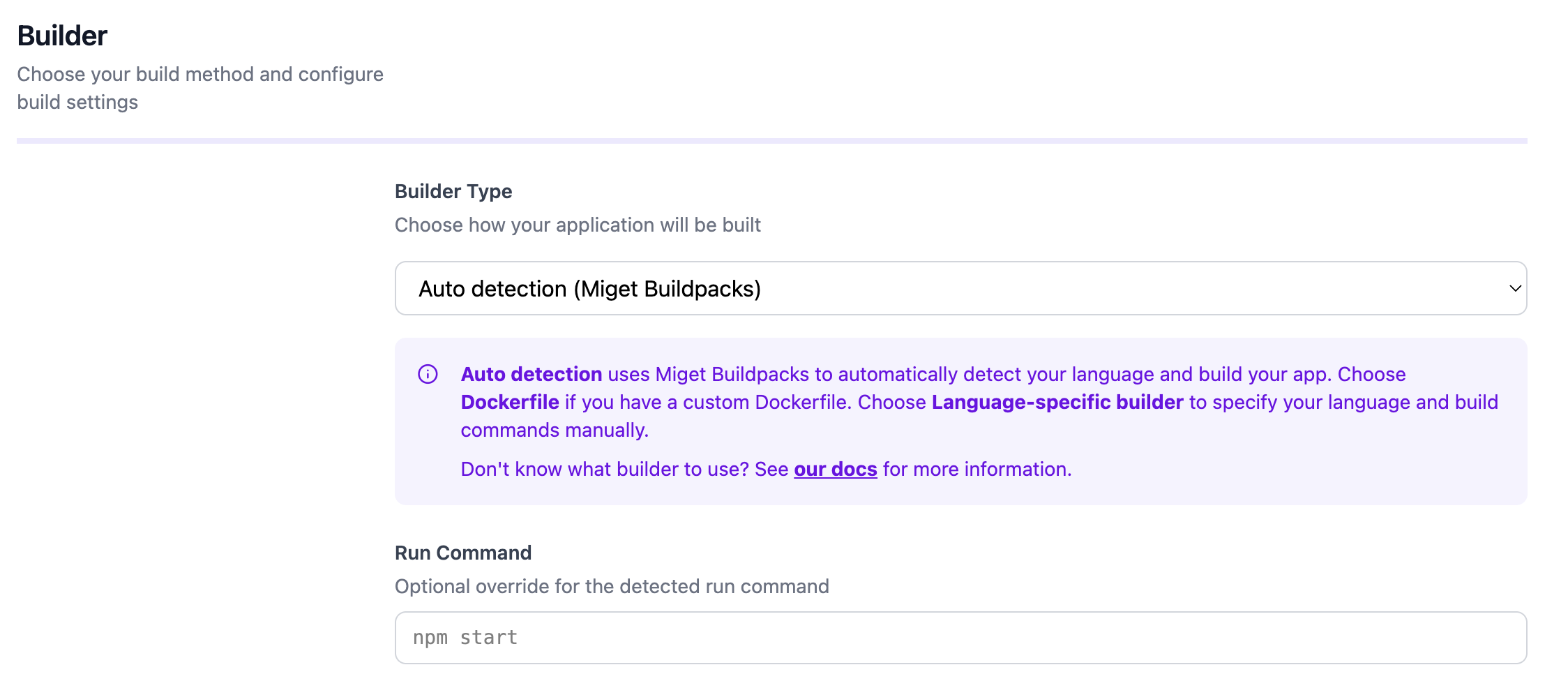
Miget Buildpacks automatically detect your application’s language and build optimized container images using official Docker Hub base images.- Language detection: Auto-detects 14 languages from marker files (package.json, go.mod, Gemfile, etc.)
- Multi-stage builds: Generates optimized Dockerfiles with dependency layer caching for fast rebuilds
- Zero configuration: Works out of the box - detects language, version, dependencies, and package manager automatically
- Docker Hardened Images: Optionally build with distroless DHI images for minimal attack surface
Docker Engine
Docker Engine is available when you provide aDockerfile in your repository.
- Full control: Define the base image, environment, and commands required to run your application.
- Compatibility: Works with any language, framework, or toolchain.
- Consistency: The resulting image runs the same way across development, CI, and production.
- Ecosystem ready: Integrates with registries, orchestrators, and CI/CD pipelines that understand Docker images.
If Miget detects both a Dockerfile and a supported language, it defaults to Auto detection (Miget Buildpacks). You can switch builders in the app settings.