---
title: "Build Methods"
description: "Learn how Miget uses Miget Buildpacks and Docker Engine to build and deploy applications."
---
Miget supports two primary build strategies so you can choose the workflow that best suits each application.
## Miget Buildpacks
[Miget Buildpacks](https://migetpacks.com) automatically detect your application's language and build optimized container images using official Docker Hub base images.
- **Language detection:** Auto-detects 14 languages from marker files (package.json, go.mod, Gemfile, etc.)
- **Multi-stage builds:** Generates optimized Dockerfiles with dependency layer caching for fast rebuilds
- **Zero configuration:** Works out of the box - detects language, version, dependencies, and package manager automatically
- **Docker Hardened Images:** Optionally build with distroless DHI images for minimal attack surface
Prefer buildpacks when you want automatic builds with minimal maintenance.
 ## Docker Engine
Docker Engine is available when you provide a `Dockerfile` in your repository.
- **Full control:** Define the base image, environment, and commands required to run your application.
- **Compatibility:** Works with any language, framework, or toolchain.
- **Consistency:** The resulting image runs the same way across development, CI, and production.
- **Ecosystem ready:** Integrates with registries, orchestrators, and CI/CD pipelines that understand Docker images.
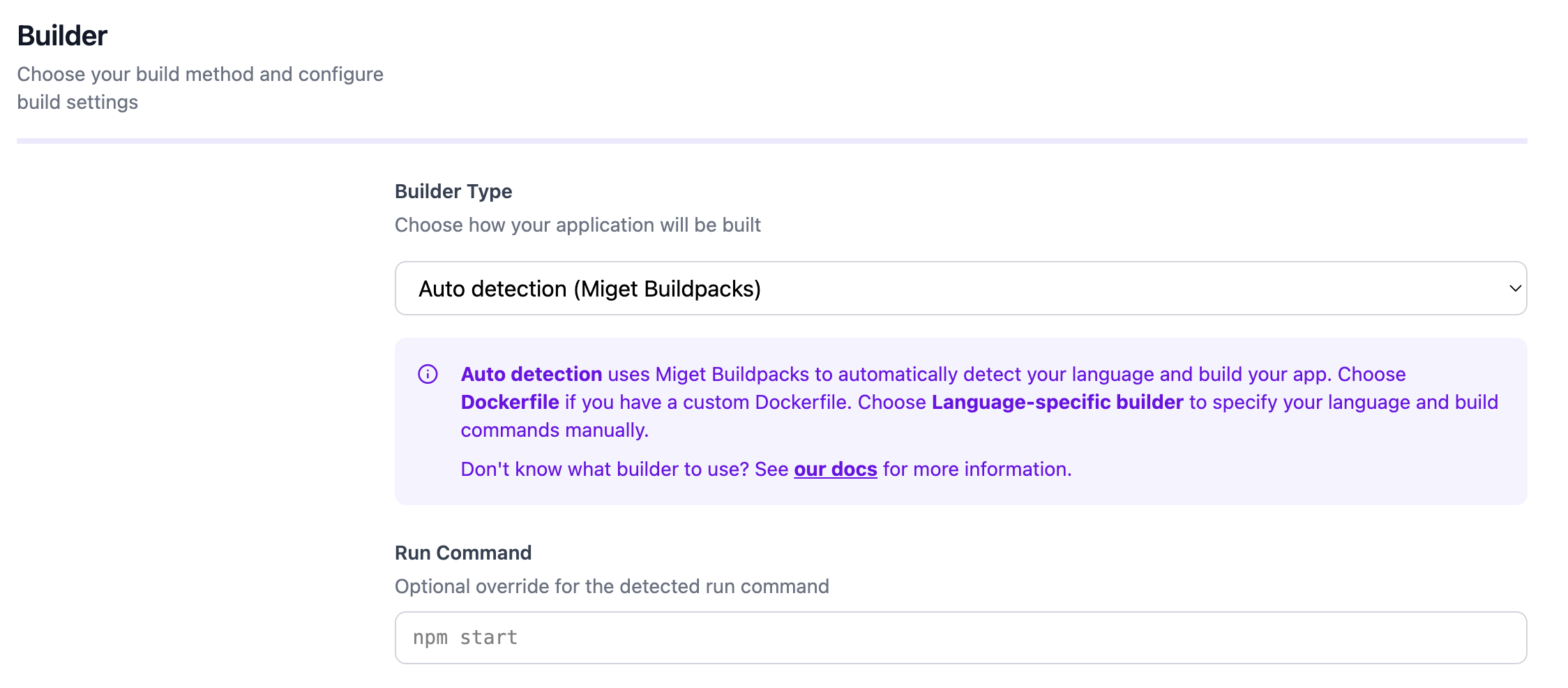
If Miget detects both a Dockerfile and a supported language, it defaults to **Auto detection (Miget Buildpacks)**. You can switch builders in the app settings.
## Language-Specific Builder
Choose **Language-specific builder** when you want to manually specify the language and build commands instead of relying on auto-detection.