

CNAME records for all the domains you want to point to your Miget app.
Add CNAME records
-
Go to the Domain List, select your domain and click on the Manage button on the right. After that, click on the Advanced DNS tab.
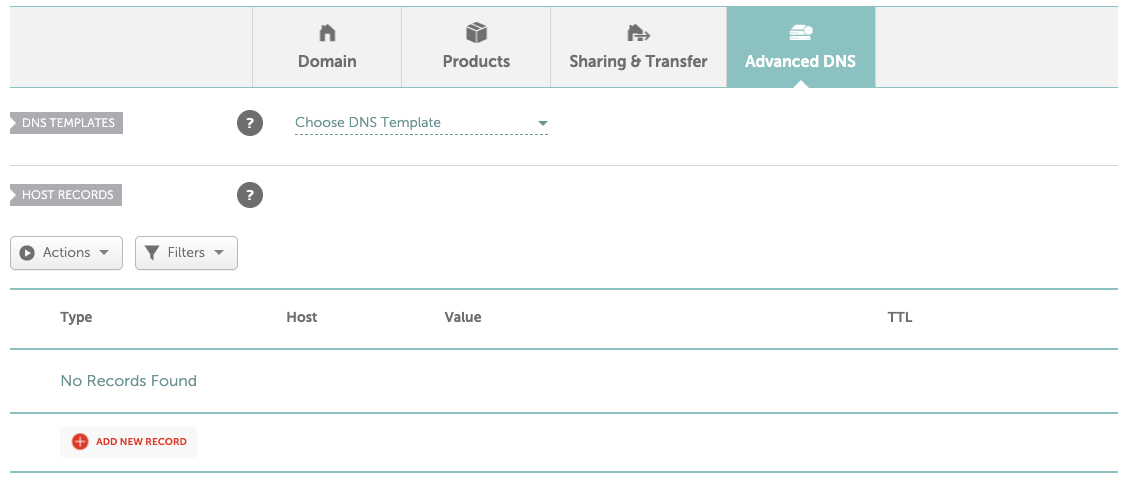
-
Add a CNAME record for your domain to point to your Miget DNS target, which looks like:
ingress-<random>.migetns.com. To add new record, click the red button called Add new record. From the dropdown menu (Type), select CNAME Record. For root domain, as a Host type@, as Value type Miget’s DNS target. The TTL setting leave default (Automatic).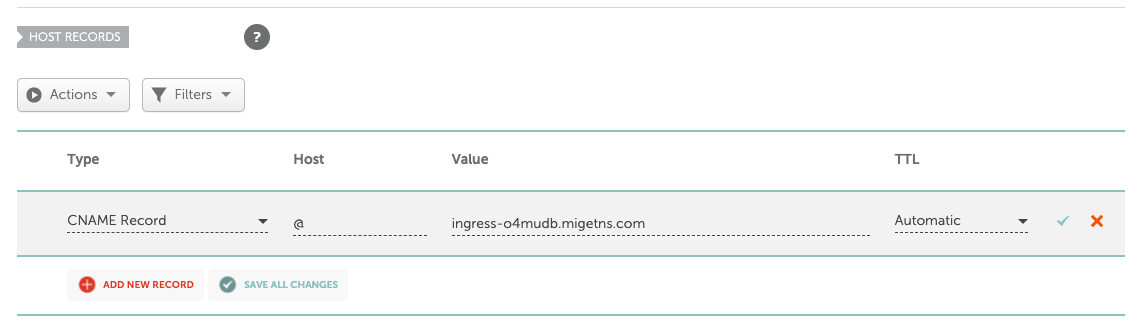
-
Add another CNAME record for
wwwdomain.