

Detection
Your application is detected as Bun when one of these markers is present:bun.lockbun.lockbbunfig.toml.bun-versionbun-typeslisted as a dependency inpackage.json
Version Detection
The Bun version is determined from the following sources, in order of priority:.bun-versionfileengines.bunfield inpackage.json
Build Process
During the build, the following steps are performed:- Bun installation - The appropriate version of Bun is installed.
- Dependency installation - Dependencies are installed using
bun installin a multi-stage build. - Build script - If a
buildscript is defined in yourpackage.json, it runs automatically viabun run build. - Caching - Dependencies are cached between builds to speed up subsequent deployments.
Run Command
The entry point is auto-detected by checking for the following files, in order:index.tsindex.jssrc/index.tssrc/index.js
web process in a Procfile at the root of your repository, or by setting a start script in your package.json. You can also override the run command directly in the Miget dashboard when creating your app or changing the deployment source.
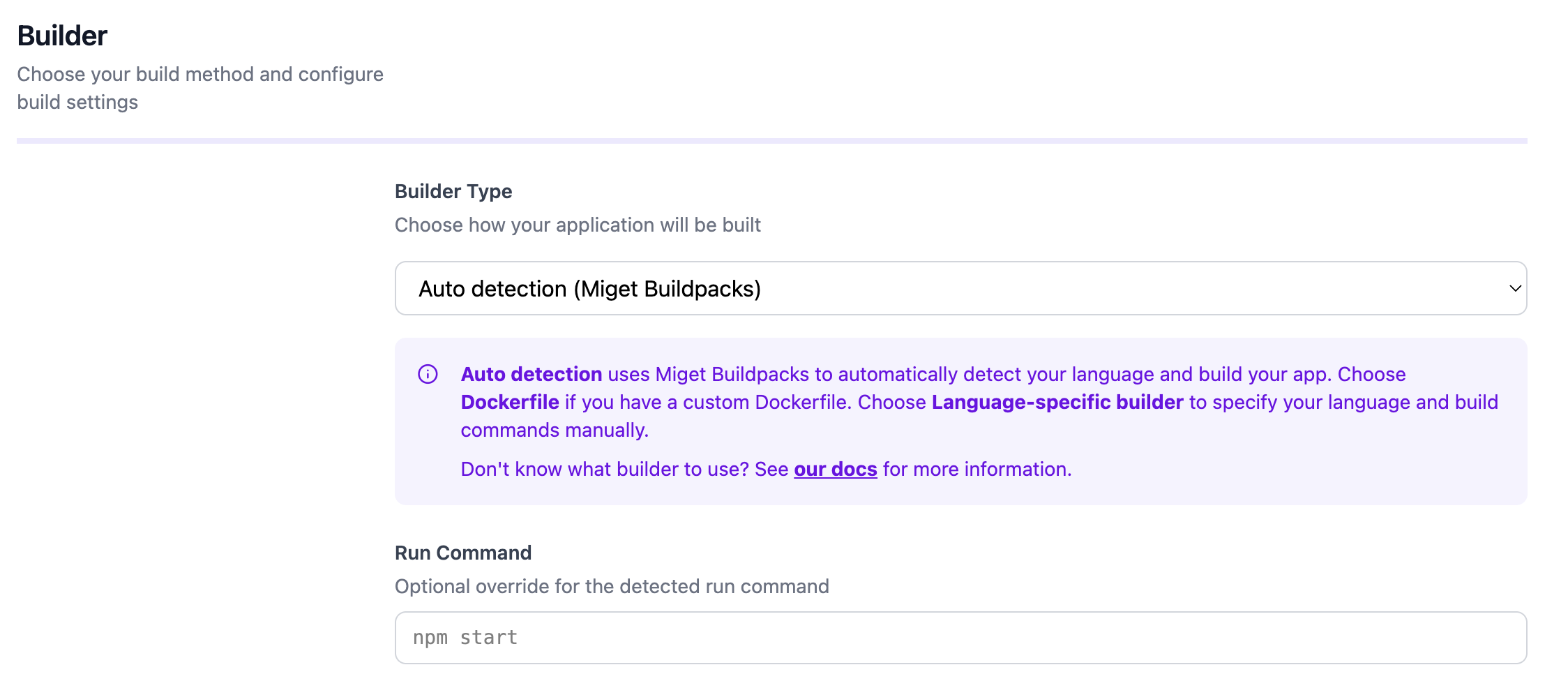
Configuration
You can customize the build and runtime behavior through the Miget dashboard and repository configuration files:- Environment variables - Set under Settings -> Variables in the Miget dashboard
- Procfile - Define the start command at the root of your repository
- Project Path - For monorepo setups, specify the subdirectory containing your application code in the Advanced tab
- Pre-Deploy Command - Run a command before deployment (e.g., database migrations) in the Advanced tab
- Post-Deploy Command - Run a command after successful deployment (e.g., seeding data, cache warming) in the Advanced tab
Docker Hardened Images
You can enable Docker Hardened Images (DHI) in the Advanced tab when creating your app or changing the deployment source. When enabled, your application is built using distroless runtime images with a minimal attack surface, no shell, and no package manager.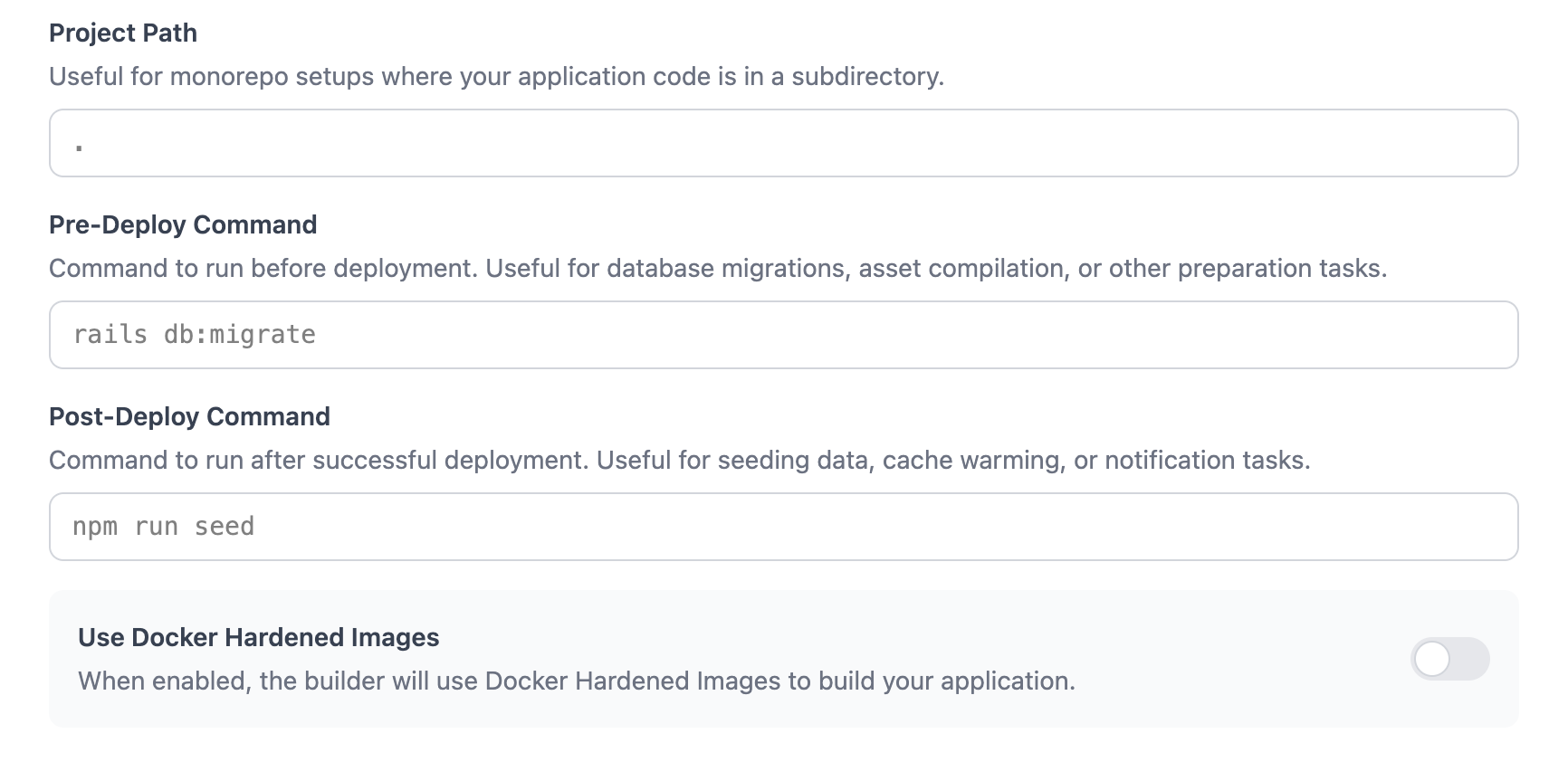
For the complete reference, see the migetpacks Bun documentation.