Overview
This documentation is adapted for Miget purposes and is based on information from the Paketo Python Buildpack documentation.
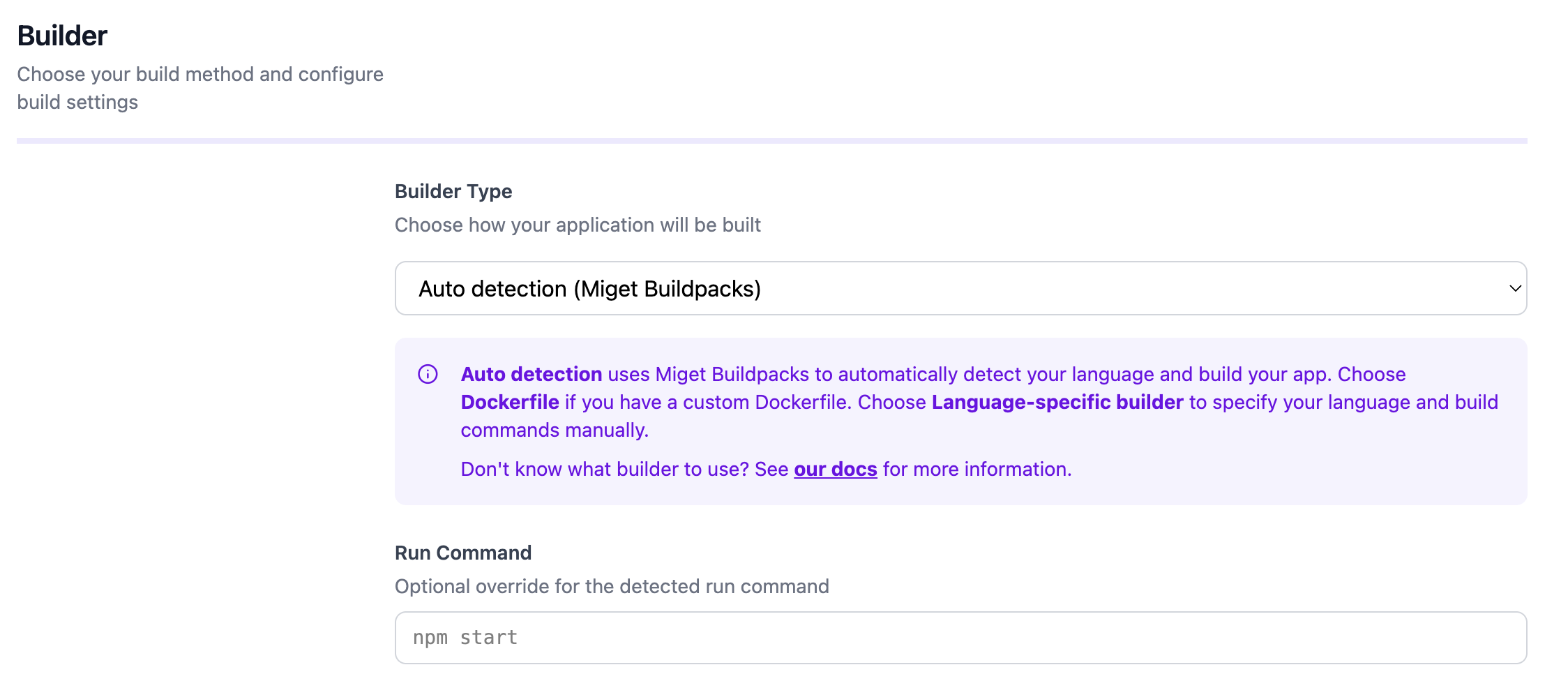
Dockerfile, please refer to the Dockerfile page for guidance and best practices.
Prerequisites
The pack CLI is used throughout the examples. Examples assume that the Paketo Base builder is the default builder:Example App
A demo instance of this app is hosted at python.onmiget.com.
Build
Run
Install a Specific CPython Version
The Python Cloud Native Buildpack allows you to specify a version of CPython 3 (reference implementation of Python 3) to use during deployment. This version can be specified via theBP_CPYTHON_VERSION environment variable during build. When specifying a version of CPython, you must choose a version that is available within the buildpack. The supported versions can be found in the release notes.
You may set BP_CPYTHON_VERSION using a platfrom-specific option, or using a project.toml as shown in the following example:
poetry) are able to detect the version of python defined in configuration files (like pyproject.toml). If present, the buildpack will use that specific version as long as it is supported.
Use a Package Manager
With the Python CNB, there are four options available for package management depending on your application: You can find specific information for each option below.Pip
Pip is a popular option for managing third-party application dependencies for Python apps. Including a validrequirements.txt file at the root of your app source code triggers the pip installation process by the buildpack. The buildpack will install the application packages and make it available to the app.
The buildpack allows you to configure the version of Pip to be used in the installation process. You can set this using the BP_PIP_VERSION variable during build. When specifying a version of Pip, you must choose a version that is available within the buildpack. The supported versions can be found in the release notes.
Pipenv
Pipenv is another common option for managing dependencies. Including a validPipfile file at the root of your app source code triggers the pipenv installation process by the buildpack. The buildpack will install the application packages and make it available to the app.
The buildpack allows you to configure the version of Pipenv to be used in the installation process. You can set this using the BP_PIPENV_VERSION variable during build. When specifying a version of Pipenv, you must choose a version that is available within the buildpack. The supported versions can be found in the release notes.
The buildpack also takes into consideration the Python version requirement specified by Pipfile.lock, but BP_CPYTHON_VERSION takes precedence over this as discussed in this section above.
Miniconda
Miniconda is a package management and environment management system supported by the Python buildpack. The buildpack will create or update a conda environment from anenvironment.yml file or a package-list.txt file located at the root of the app source code.
Using BP_CONDA_SOLVER
The original conda solver may suffer slowdowns depending on various factors such as number of channels configured, package pinning precision, etc. This is an issue that has been worked on and since a couple of releases, the mamba solver can be used in place of the original.
To change the default solver used to create the conda environment, set the BP_CONDA_SOLVER environment variable to “mamba”. This is the currently only value supported.
Environment Variable set under Settings -> Variables: BP_CONDA_SOLVER=mamba
This does not change the buildpack to be mamba based, only their solver is used.
Poetry
Poetry is a tool to manage both third-party application dependencies and virtual environments. Including apyproject.toml file at the root of your app source code triggers the poetry installation process. The buildpack will invoke poetry to install the application dependencies defined in pyproject.toml and set up a virtual environment.
The buildpack allows you to configure the version of Poetry to be used in the installation process. You can set this using the BP_POETRY_VERSION variable during build. When specifying a version of Poetry, you must choose a version that is available within the buildpack. The supported versions can be found in the release notes.
Enable Process Reloading
Override the Start Process Set by the Buildpack
Enable DEBUG logging
Users of Python buildpack can access extra debug logs during the image build process by setting the BP_LOG_LEVEL environment variable to DEBUG at build time. Additional debug logs will appear in build logs if the relevant buildpacks have debug log lines.
Environment Variable set under Settings -> Variables:
BP_LOG_LEVEL=DEBUG