

Detection
Your application is detected as Elixir when these files are present in the root directory:mix.exsmix.lock
Version Detection
The Elixir and Erlang versions are determined from the following sources, in order of priority:elixirversion constraint inmix.exs.elixir-versionfile.tool-versionsfile (for both Elixir and Erlang versions)
Build Process
During the build, the following steps are performed:- Elixir and Erlang installation - The appropriate versions of Elixir and Erlang/OTP are installed using the official Elixir images.
- Dependency installation - Dependencies are fetched and compiled using
mix deps.getandmix deps.compile. - Phoenix detection - If Phoenix is detected, the assets pipeline runs automatically (e.g.,
mix assets.deploy). - Release build - A Mix release is built for production deployment.
- Umbrella projects - Umbrella project structures are fully supported.
Run Command
The run command is auto-detected based on your project configuration:- Phoenix applications -
mix phx.serveror the Mix release binary - Other applications - The Mix release binary
web process in a Procfile at the root of your repository. You can also override the run command directly in the Miget dashboard when creating your app or changing the deployment source.
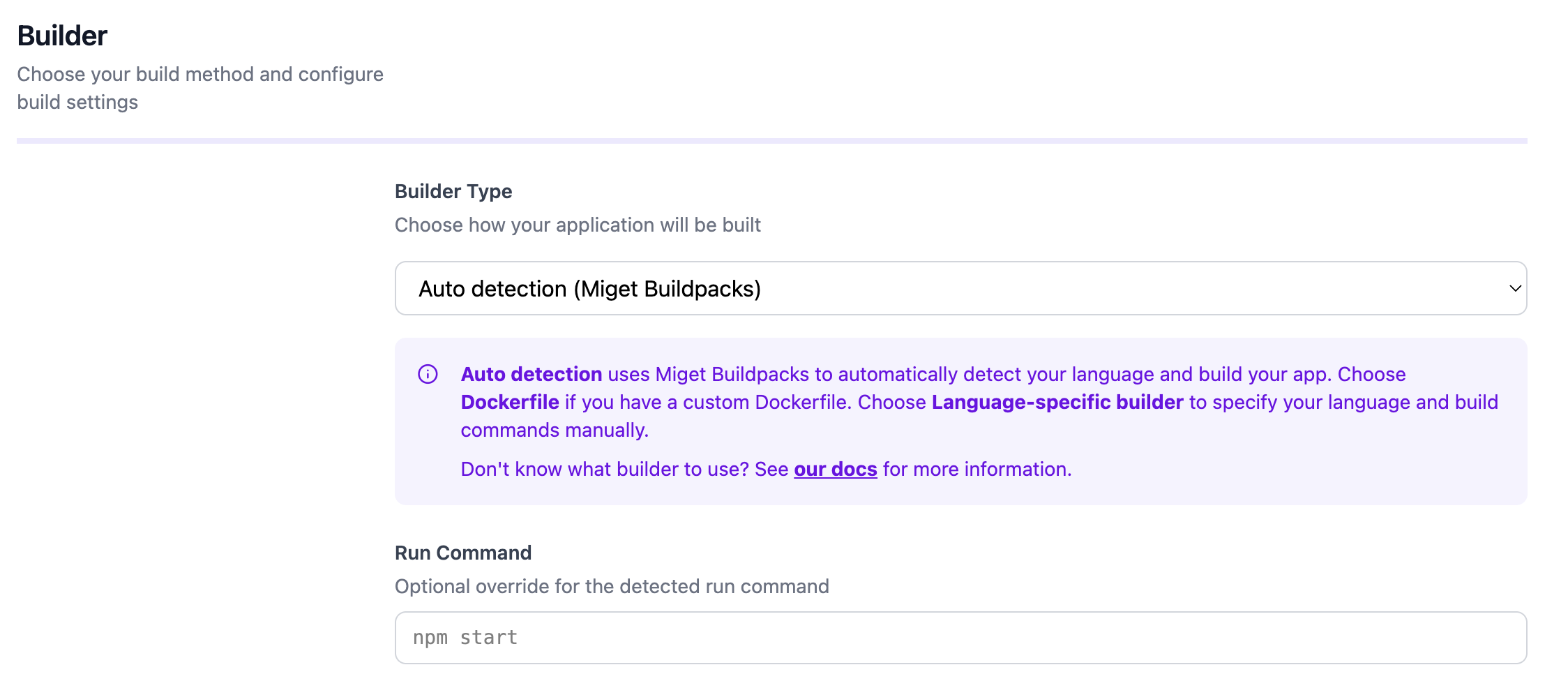
Configuration
You can customize the build and runtime behavior through the Miget dashboard and repository configuration files:- Environment variables - Set under Settings -> Variables in the Miget dashboard
- Procfile - Define the start command at the root of your repository
- Project Path - For monorepo setups, specify the subdirectory containing your application code in the Advanced tab
- Pre-Deploy Command - Run a command before deployment (e.g., database migrations) in the Advanced tab
- Post-Deploy Command - Run a command after successful deployment (e.g., seeding data, cache warming) in the Advanced tab
SECRET_KEY_BASE- Required for Phoenix applicationsMIX_ENV- Set toprodby default during buildsPHX_SERVER- Set totrueto start the Phoenix server
Docker Hardened Images
Docker Hardened Images (DHI) are not currently supported for Elixir applications. Use a custom Dockerfile if you need a hardened runtime image.For the complete reference, see the migetpacks Elixir documentation.