

Detection
Your application is detected as PHP when one of these files is present in the root directory:composer.jsonindex.php
Version Detection
The PHP version is determined from therequire.php field in your composer.json. For example:
Build Process
During the build, the following steps are performed:- FrankenPHP - Your application is built to run with FrankenPHP, a high-performance PHP application server. This replaces traditional Apache or NGINX setups.
- Extensions - PHP extensions are auto-detected from your
composer.json(e.g.,ext-pdo,ext-mbstring) and installed automatically. - Composer dependencies - If a
composer.jsonis present, dependencies are installed via Composer. - Web root detection - The web root directory is auto-detected from common conventions:
public/,web/,htdocs/, or the repository root.
Run Command
The FrankenPHP server is used as the run command. It serves your application from the detected web root directory. You can also override the run command directly in the Miget dashboard when creating your app or changing the deployment source.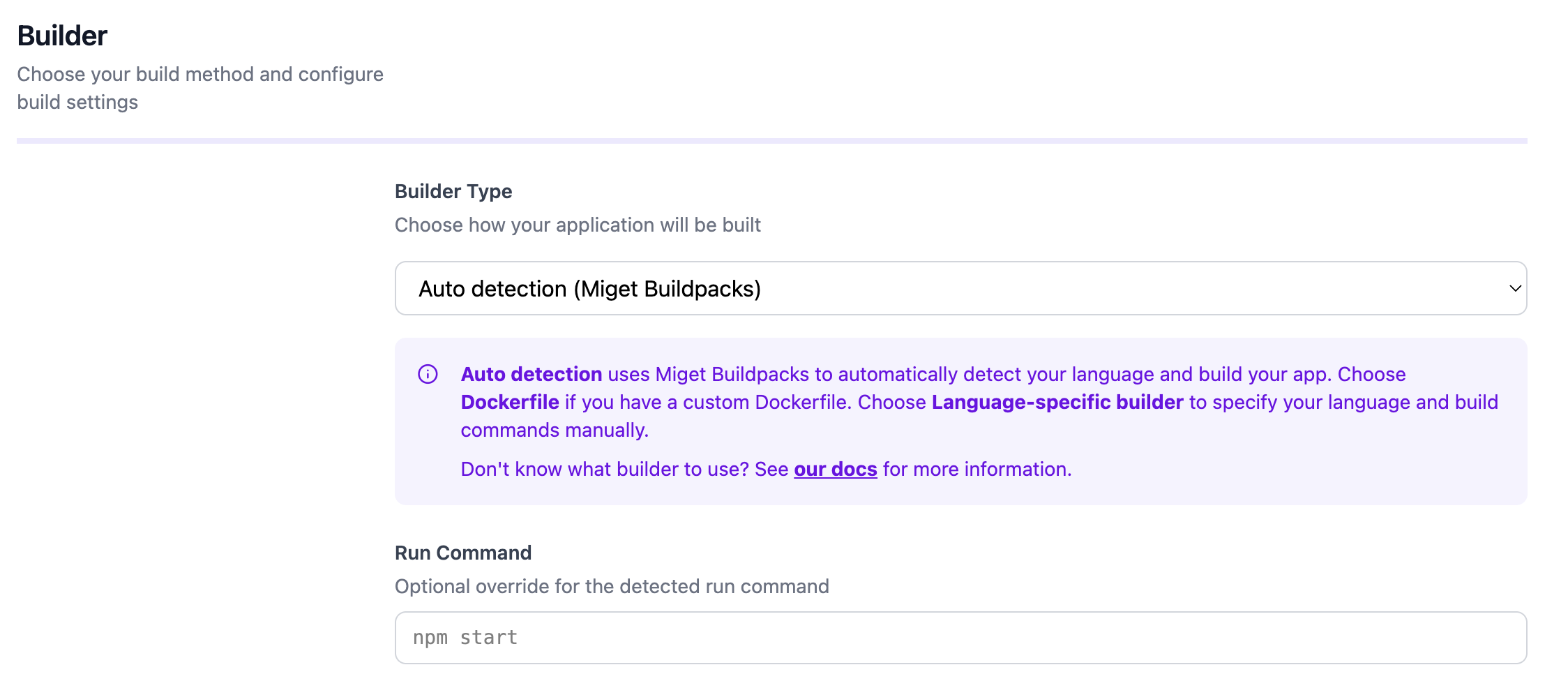
Configuration
You can customize the build and runtime behavior through the Miget dashboard and repository configuration files:- Environment variables - Set under Settings -> Variables in the Miget dashboard
- Procfile - Define the start command at the root of your repository
- app.json - Application manifest for additional configuration
- Project Path - For monorepo setups, specify the subdirectory containing your application code in the Advanced tab
- Pre-Deploy Command - Run a command before deployment (e.g., database migrations) in the Advanced tab
- Post-Deploy Command - Run a command after successful deployment (e.g., seeding data, cache warming) in the Advanced tab
Docker Hardened Images
Docker Hardened Images (DHI) are not currently supported for PHP applications. Use a custom Dockerfile if you need a hardened runtime image.For the complete reference, see the migetpacks PHP documentation.